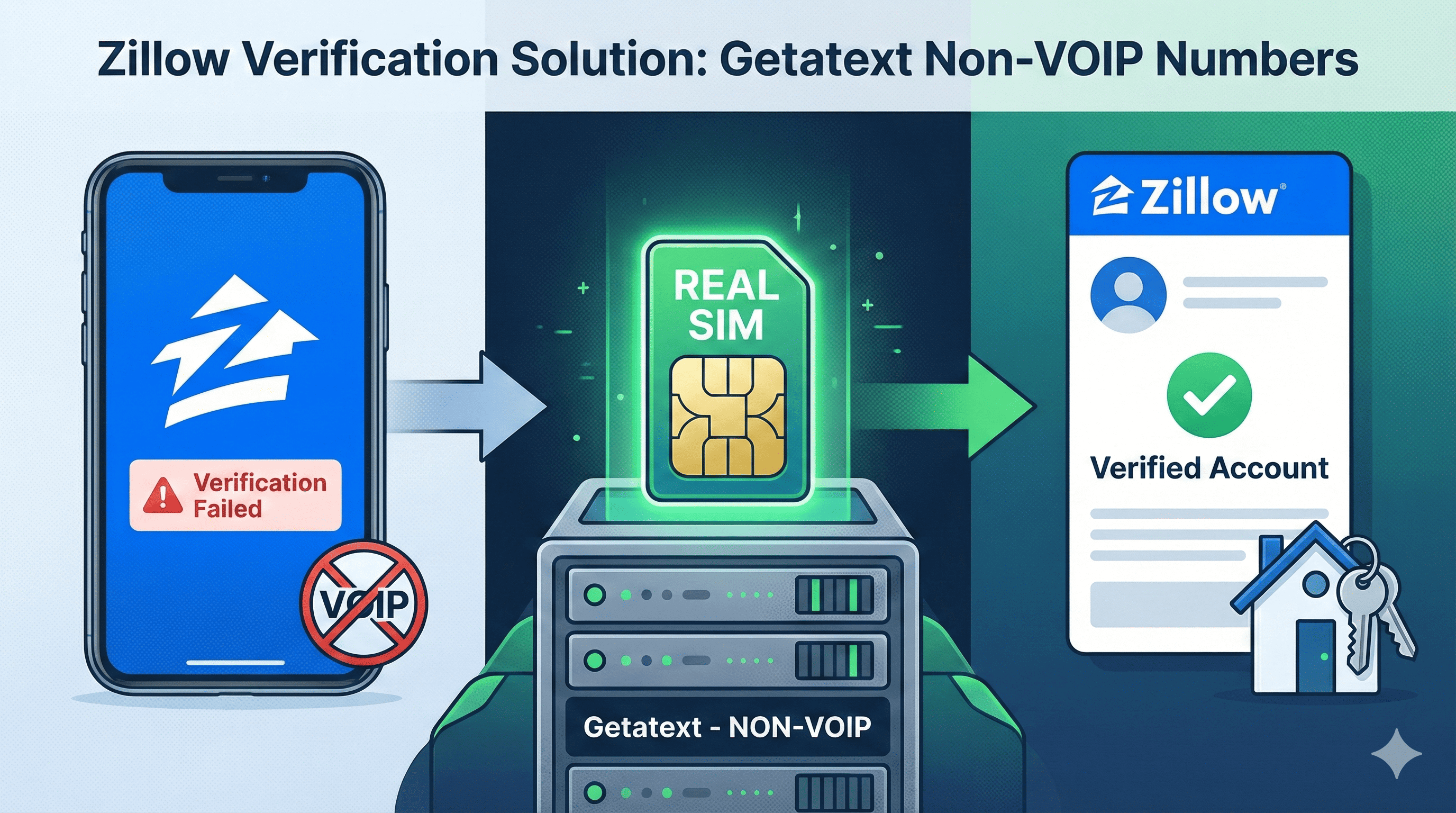
Zillow is the leading real estate marketplace, essential for buyers, sellers, renters, and agents alike. However, creating an account often hits a significant roadblock: phone verification. Whether you are a real estate professional managing multiple accounts or a user concerned about digital privacy, providing your personal phone number isn't always an option.
Many users try to use free virtual numbers or VOIP apps (like Google Voice), only to find that Zillow blocks them immediately. This is because Zillow's security algorithms verify that the number is attached to a Real SIM card to prevent spam.
Fortunately, Getatext provides the ultimate solution. We offer high-quality, Non-VOIP numbers backed by real SIM cards that guarantee SMS delivery for services like Zillow, all at an incredibly low cost.
Why You Need a Non-VOIP Number for Zillow
Real estate platforms maintain strict security measures. When you attempt to sign up, Zillow checks the "carrier type" of your phone number. If the system detects a VOIP (Voice Over IP) line, it flags the account as high-risk or simply refuses to send the One-Time Password (OTP).
To bypass this, you need a number that appears to be from a standard mobile carrier (like T-Mobile, Verizon, or AT&T). This is exactly what Getatext provides: temporary numbers that come from physical SIM cards, ensuring you pass the verification check every time.
Step-by-Step Guide to Verifying Zillow with Getatext
Follow this simple guide to create your Zillow account without compromising your personal phone number.
Step 1: Prepare Your Zillow Registration
Navigate to the Zillow website or app and begin the sign-up process. You can register using an email address, but eventually, you will be asked to verify a phone number to unlock full features, contact agents, or list properties.
Step 2: Get Your Number from Getatext
Open Getatext.com in a new tab. If you haven't already, add funds to your account—our rates are very affordable.
- Go to the service selection menu on your dashboard.
- Search for "Zillow" in the service list.
- Click to purchase/rent the number.
Step 3: Enter the Number into Zillow
Once Getatext generates your number, copy it. Return to the Zillow verification screen and paste the number into the required field. Click "Send Code" or "Verify."
Step 4: Receive Your OTP Instantly
Go back to your Getatext dashboard. In a few seconds, the page will refresh (or you can manually refresh) to show the SMS code sent by Zillow.
Note: Because we use Real SIMs, the delivery rate is exceptionally high compared to other providers.
Step 5: Finalize Your Account
Copy the verification code from Getatext and paste it into Zillow. Your account is now fully verified! You can now browse listings, contact realtors, or post rentals without having exposed your personal private number.
The Getatext Advantage
Why choose Getatext for your verification needs?
- Real SIM Cards: We do not use virtual landlines. Our numbers are indistinguishable from standard mobile subscribers.
- Privacy First: Keep your personal data safe from marketing lists and spam calls.
- Cost-Effective: Pay only for the successful receipt of your OTP.
- Global Access: While Zillow is US-centric, we support services globally with numbers from various countries.
Don't let phone verification stop your real estate journey. Use Getatext today to get verified on Zillow instantly and securely.