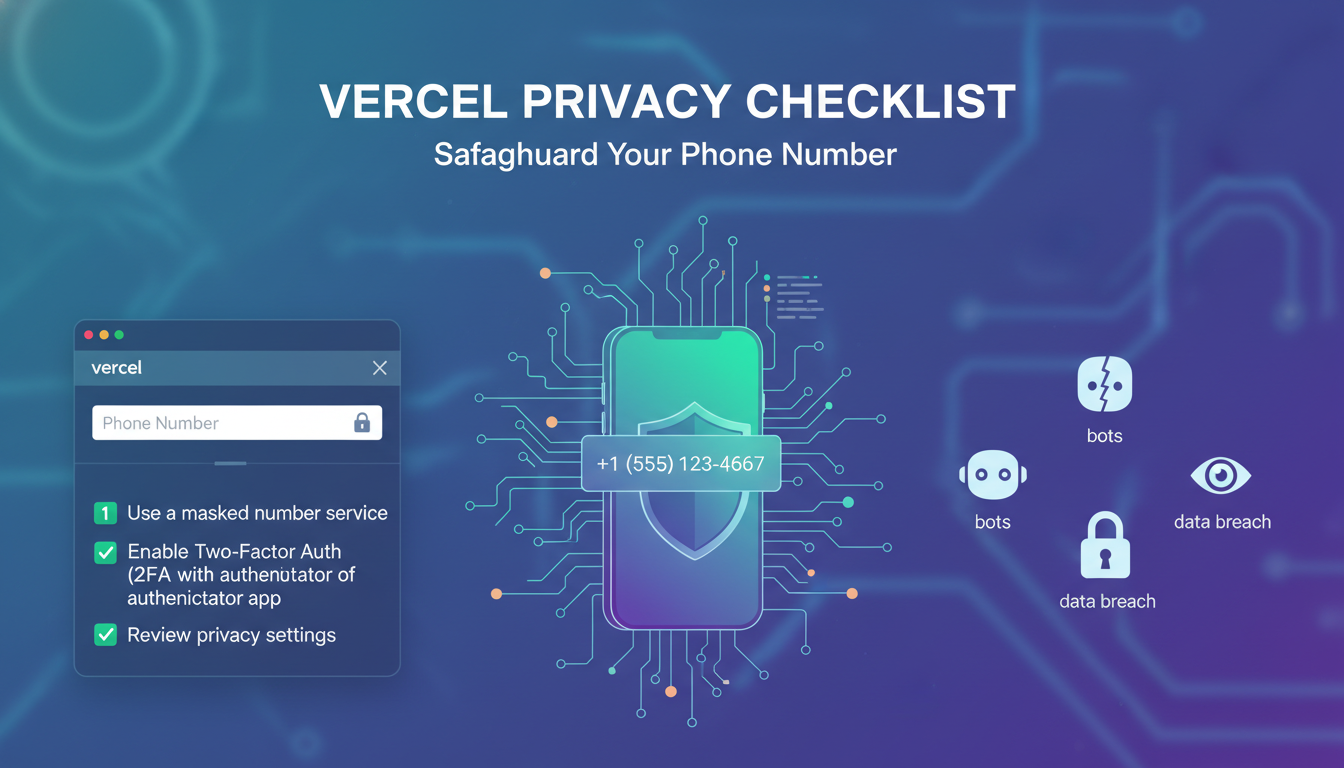
When setting up a professional development environment on Vercel, security and privacy should be your top priorities. Many platforms require a phone number for identity verification to prevent bot registrations. However, sharing your personal mobile number can lead to unwanted data exposure or marketing spam. To maintain your privacy while ensuring a smooth setup, following a specific checklist is essential.
Using a dedicated service like getatext.com allows you to complete these verification steps without compromising your personal information. Here is the ultimate checklist for a private Vercel account setup.
1. Choose a Non-VOIP Verification Method
Most modern platforms, including Vercel, have strict filters against Virtual (VOIP) numbers. These numbers are often flagged or rejected because they lack a physical SIM card backup. To ensure your account is verified on the first try, you should use Real SIM numbers. These are physical lines that provide the highest level of reliability for receiving One-Time Passwords (OTP).
2. Protect Your Personal Identity
Your personal phone number is often linked to your bank accounts, social media, and private communications. By using a temporary rental number from getatext.com, you create a layer of separation between your developer tools and your private life. This prevents your personal digits from being stored in third-party databases.
3. Step-by-Step Verification Checklist
- Access the Vercel Registration Page: Start your sign-up process using your preferred email or Git provider.
- Navigate to Phone Verification: When prompted for a phone number, do not enter your personal mobile digits.
- Obtain a Real SIM Number: Visit getatext.com and select the service you need to verify. You will be provided with a real, non-VOIP number.
- Submit the Number: Copy the number provided by the platform into the Vercel verification field.
- Receive the OTP: Wait a few seconds for the code to appear on the getatext dashboard.
- Complete the Setup: Enter the code on Vercel to finalize your account creation.
4. Ensure High Deliverability
One of the biggest frustrations during account setup is the "Code not received" error. This usually happens when using low-quality virtual numbers. By opting for Real SIM technology, you ensure that the SMS is delivered instantly, just as it would be to a standard mobile phone. This saves time and prevents your IP address from being flagged for multiple failed attempts.
5. Cost-Effective Privacy Management
Maintaining privacy shouldn't be expensive. Using a specialized service allows you to pay only for the verification you need. Instead of maintaining a second monthly phone contract, getatext.com offers a low-cost solution to receive your OTP securely and quickly.
Why Getatext is the Best Choice for Developers
For developers deploying on Vercel, efficiency is key. Getatext provides an easy-to-use interface designed to solve the problem of online SMS verification. By focusing on Real SIM cards rather than virtual numbers, the service guarantees that you can bypass the common hurdles of automated verification systems while keeping your digital footprint small.
Ready to secure your Vercel account? Visit getatext.com today and experience the easiest way to manage your online privacy through reliable OTP reception.