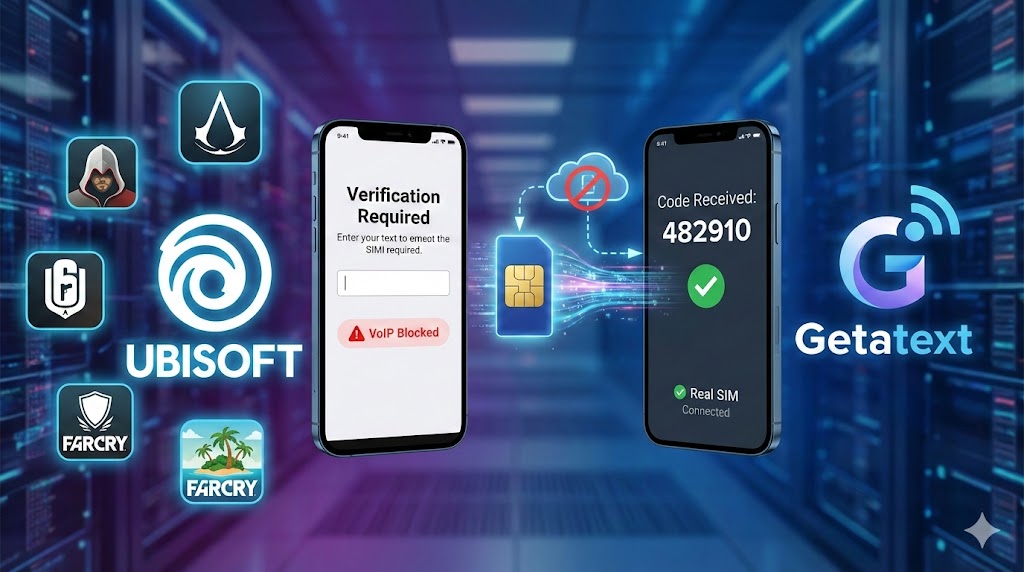
Creating a Ubisoft account is the gateway to playing some of the world's most popular games, such as Assassin's Creed, Rainbow Six Siege, and Far Cry. However, to ensure security and fair play, Ubisoft often requires users to verify their accounts using a mobile phone number. This can be a hurdle for users who want to maintain their privacy or for those who simply do not want to share their personal contact details.
If you are looking for a reliable way to bypass this step without compromising your personal data, Getatext is your ultimate solution. We provide Real SIM, Non-VoIP numbers that guarantee OTP delivery for services like Ubisoft.
Why Does Ubisoft Require Phone Verification?
Ubisoft implements SMS verification primarily for security purposes. It helps enable 2-Factor Authentication (2FA), which protects your account from unauthorized access. Additionally, in competitive games like Rainbow Six Siege, phone verification is mandatory to play Ranked matches. This system helps prevent "smurfing" and cheating by tying accounts to real phone numbers.
The problem arises when you try to use free internet numbers. Ubisoft's security systems are advanced; they can easily detect and block virtual numbers (VoIP) from providers like Google Voice or generic burner apps. This is where Getatext stands out.
The Getatext Advantage: Real SIM Cards
At Getatext.com, we understand the frustration of not receiving an OTP code. That is why we do not use virtual numbers. We provide numbers hosted on REAL SIM cards. To Ubisoft's servers, our numbers look exactly like a standard mobile phone line, ensuring that your verification code arrives instantly and your account remains secure.
- Non-VoIP Technology: Guaranteed to bypass VoIP filters used by major gaming platforms.
- Cost-Effective: Receive OTPs at a very low cost compared to maintaining a secondary phone line.
- Instant Delivery: Get your code within seconds on our platform.
- Privacy Focused: Keep your personal number private and avoid spam.
Step-by-Step Guide: How to Register on Ubisoft with Getatext
Follow these simple steps to verify your Ubisoft account using our service:
Step 1: Start the Ubisoft Registration
Go to the official Ubisoft website or the Ubisoft Connect client. Click on "Create an Account" and fill in your email, password, and date of birth. When prompted to add a phone number for verification or to enable 2-Step Verification, pause here.
Step 2: Get Your Number at Getatext
Open a new tab and navigate to https://getatext.com. Log in to your account. In the dashboard, search for the service "Ubisoft". Our system will generate a temporary, real SIM number for you to use. Copy this number.
Step 3: Enter the Number into Ubisoft
Return to the Ubisoft registration page. Paste the number you leased from Getatext into the phone number field and click "Send Code."
Step 4: Receive Your OTP
Go back to your Getatext dashboard. Wait a few moments, and the verification code sent by Ubisoft will appear on your screen. We use direct connections to real SIMs to ensure the message is not lost.
Step 5: Finalize Verification
Copy the code from Getatext and paste it into the Ubisoft verification box. Click "Verify" or "Submit."
Congratulations! You have successfully verified your Ubisoft account using a premium, Non-VoIP number. You can now access ranked matches and secure your account without ever exposing your personal phone number.
Don't let SMS verification stop you from gaming. Visit Getatext.com today for the most reliable OTP SMS service on the web.