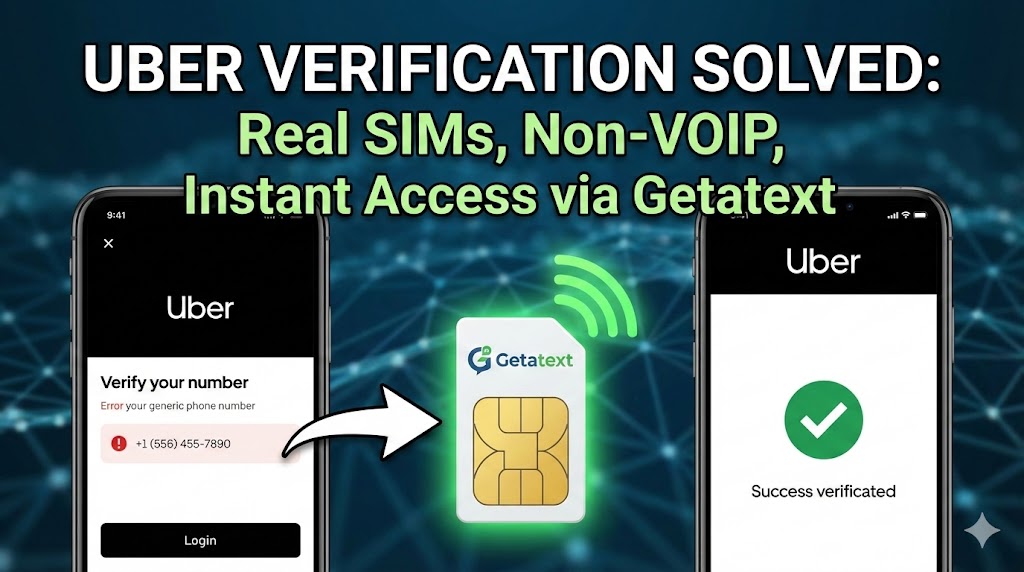
Ride-sharing apps like Uber have become an essential part of daily transportation. However, registering for a new account poses a significant hurdle: the mandatory phone verification. whether you are concerned about privacy, need a second account for business travel, or simply want to protect your personal data, handing over your primary phone number isn't always the best option.
Many users attempt to use free online SMS receivers or standard virtual numbers, only to find themselves blocked. This guide explains why that happens and how Getatext provides the ultimate solution with legitimate, non-VOIP numbers.
Why Uber Rejects Standard Virtual Numbers
Uber utilizes highly sophisticated security algorithms to prevent fraud and spam. One of their primary filters is the detection of VOIP (Voice Over IP) numbers. Services like Google Voice or generic virtual number apps generate lines over the internet rather than through physical cellular infrastructure.
When you attempt to register with a VOIP number, Uber's system flags it immediately as a high-risk or temporary line, often preventing the SMS One-Time Password (OTP) from ever arriving. To successfully verify an account, the system demands a number attached to a Physical SIM card.
The Getatext Solution: Real SIM, Non-VOIP Verification
At Getatext.com, we solve this problem by bridging the gap between digital convenience and physical hardware. unlike other providers, we do not use virtual landlines. We provide access to numbers hosted on Real SIM cards.
Because our numbers are Non-VOIP, they appear to the Uber verification servers exactly like a standard mobile subscriber. This guarantees a near-perfect success rate for receiving your OTP codes at an incredibly low cost.
Step-by-Step Guide to Verifying Uber with Getatext
Ready to get your Uber account on the road? Follow this simple process to bypass the verification block:
- Create your Getatext Account: Visit getatext.com and sign up. The process is fast and requires minimal information.
- Add Credits: Top up your balance. Our services are extremely affordable, meaning you can verify multiple services for the price of a cup of coffee.
- Select the Service: In your dashboard, search for "Uber" in the service list. This ensures we provide a number specifically optimized for ride-sharing verification.
- Generate Your Number: Click to rent the number. You will instantly receive a Real SIM number displayed on your screen.
- Input into Uber: Open the Uber app or website and begin the registration process. When asked for your mobile number, enter the one provided by Getatext.
- Receive the Code: Return to your Getatext dashboard. Within seconds, the OTP sent by Uber will appear.
- Verify and Ride: Copy the code, paste it into Uber, and your account is fully verified and ready to use.
Pro Tip: By using a Non-VOIP number from Getatext, you ensure that your account remains secure and is less likely to be flagged for suspicious activity later on.
Don't let OTP issues strand you. Use Getatext today to access the real cellular network numbers you need to get moving.