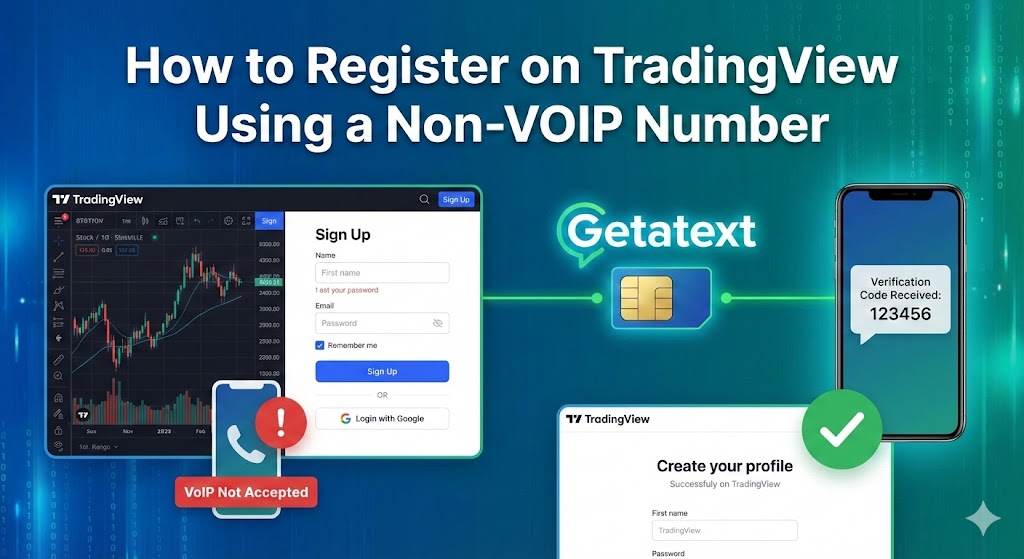
TradingView is the go-to platform for traders and investors looking for advanced charting tools and social networking within the finance world. However, creating an account or unlocking specific premium features often requires SMS verification. If you are concerned about privacy, or simply cannot use your personal phone number, you might hit a roadblock.
Many users try to use free online numbers or standard VoIP services to bypass this step, only to find that TradingView rejects them. This happens because major platforms can detect virtual numbers. The solution is using a Real SIM, Non-VOIP number provided by Getatext.
Why You Need a Real SIM Number for TradingView
Security algorithms on platforms like TradingView are designed to flag potential bot accounts. When you use a virtual number (VoIP) from common apps, the system recognizes it as "fake" or "virtual" and blocks the registration.
Getatext solves this by providing numbers that come from real physical SIM cards. To the TradingView system, a number from Getatext looks exactly like a standard mobile subscriber, ensuring a near 100% success rate for receiving One-Time Passwords (OTPs) at a significantly lower cost than maintaining a second phone line.
Step-by-Step Guide to Signing Up
Follow these simple steps to verify your TradingView account using Getatext:
1. Initiate Registration on TradingView
Navigate to the TradingView website and click on the "Get Started" or "Sign Up" button. Select your preferred plan (even if it is the free tier). When prompted to verify your identity via phone number, pause here.
2. Get Your Number at Getatext
Open Getatext.com in a new tab. Log in to your account. On the dashboard, search for the TradingView service in the service list.
Because Getatext uses real SIM cards, you are renting a number specifically to receive this code. Select the service and purchase the number. The cost is incredibly low, making it the perfect solution for a one-time verification.
3. Enter the Number
Copy the phone number generated by Getatext and paste it into the TradingView verification field. Click the button to send the code.
4. Receive the OTP
Return to your Getatext dashboard. Within moments, the page will refresh (or you can manually refresh) to show the SMS code sent by TradingView.
5. Complete Verification
Copy the OTP code from Getatext and paste it back into TradingView. Your account will be verified instantly without ever having to expose your personal contact information.
Why Choose Getatext?
- High Success Rate: Since we use Non-VoIP numbers, services do not block us.
- Privacy: Keep your personal data off public databases.
- Instant Delivery: OTPs arrive quickly so you can continue your trading setup without delay.
- Cost-Effective: Rent numbers only when you need them.
Don't let verification hurdles stop you from accessing the best market analysis tools. Use Getatext to secure your account today.