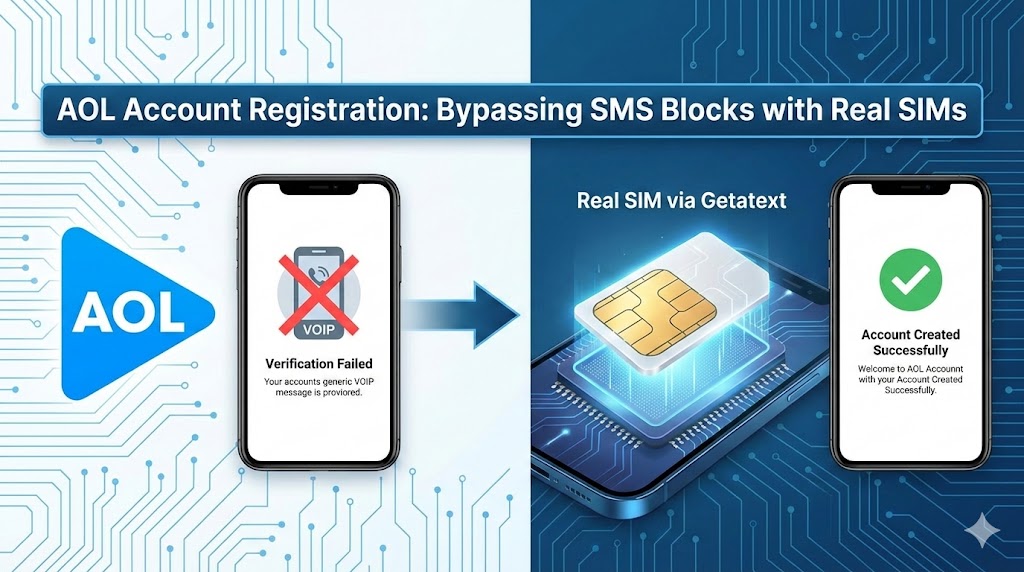
Creating an email account with AOL used to be simple, but today, security measures are stricter than ever. One of the biggest hurdles users face during registration is the mandatory SMS verification. AOL, like many major platforms, requires a valid mobile phone number to verify that you are a real person.
The problem? AOL has sophisticated filters that often block virtual numbers (VOIP). If you value your privacy or simply need a secondary account, you might be stuck. This is where Getatext.com shines. We provide Non-VOIP numbers backed by Real SIM cards, ensuring you can bypass these verifications instantly and affordably.
Why Does AOL Reject Virtual Numbers?
AOL uses security algorithms to detect if a phone number is coming from a real mobile carrier or a virtual service like Google Voice or Skype. Most free verification services use VOIP numbers, which AOL flags as "high risk" or simply invalid. To successfully register, you need a number that looks exactly like a standard mobile subscriber to their system.
The Getatext Solution: Real SIM Verification
At Getatext, we solve this specific problem. We do not use VOIP. We rent you access to Real SIM cards for a short period—just enough time to receive your One-Time Password (OTP). This guarantees the highest success rate in the market for creating AOL accounts.
Step-by-Step Guide to Registering for AOL with Getatext
Follow this simple guide to create your AOL account in minutes using our service:
- Start the AOL Registration: Go to the AOL sign-up page and enter your name, desired email address, and password. When you reach the screen asking for a mobile phone number, pause there.
- Log in to Getatext: Open a new tab and log in to your account at https://getatext.com. Ensure you have a small balance loaded (our prices are incredibly low).
- Select the Service: In the Getatext dashboard, look for the service search bar. Type "AOL".
- Get Your Number: Click to purchase/rent the number. Getatext will instantly generate a Real Non-VOIP number for you.
- Enter the Number in AOL: Copy the number displayed on Getatext and paste it into the AOL registration form. Click "Send Code."
- Receive the OTP: Go back to your Getatext dashboard. Within seconds, the SMS code sent by AOL will appear on your screen.
- Verify and Finalize: Copy the OTP code, paste it into AOL, and complete your registration.
Why Choose Getatext for AOL Verification?
- Real SIM Cards: We use physical SIMs, making our numbers indistinguishable from a personal phone number.
- Privacy Protection: Keep your personal number private and avoid spam or data tracking.
- Cost-Effective: You only pay for the successful verification. It is much cheaper than buying a burner phone.
- Global Access: We offer numbers from various countries to help you bypass geo-restrictions.
Don't let SMS verification blocks stop you. Use Getatext.com today and get your AOL account up and running in seconds!