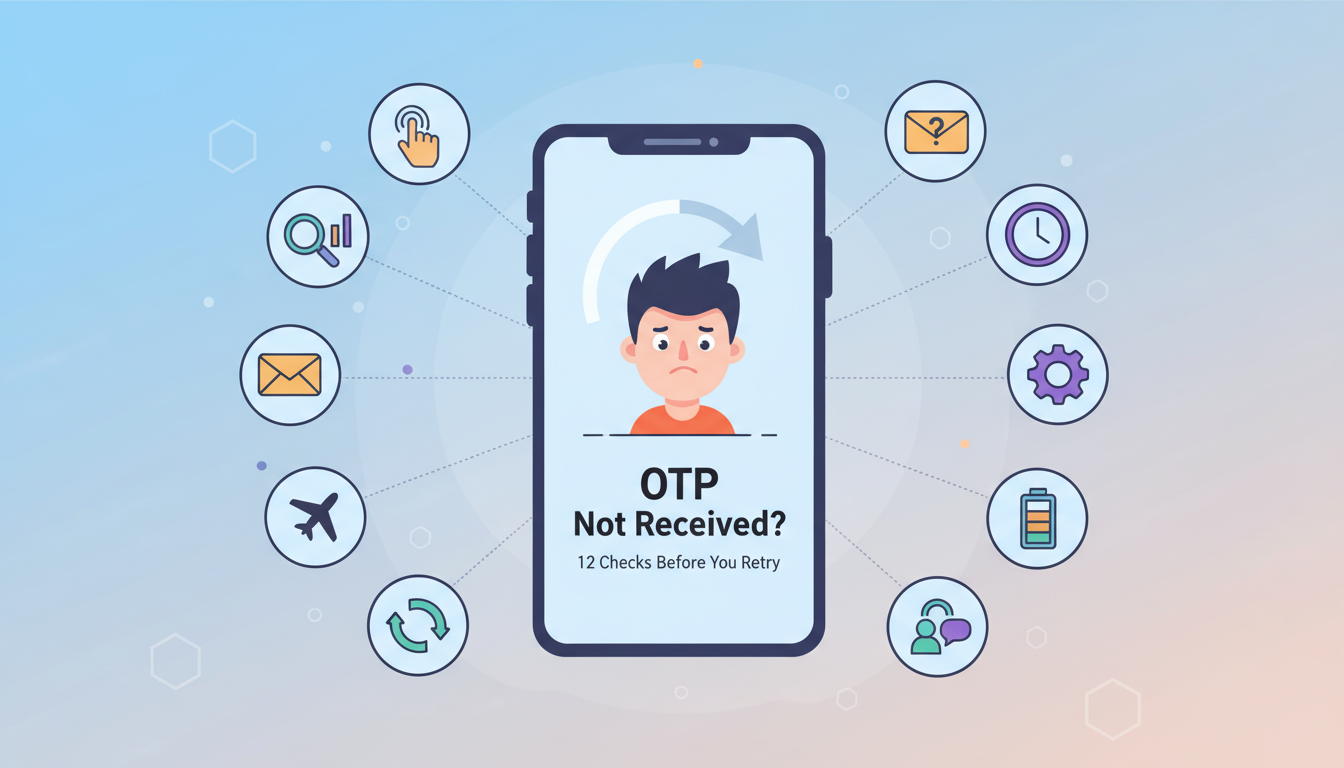
We have all experienced the frustration of waiting for a One-Time Password (OTP) that never arrives. Whether you are trying to create a new social media account, access your banking details, or verify a professional tool, a missing code can halt your progress entirely. Before you click the "Resend" button repeatedly, it is important to understand why this happens and how to fix it.
At Getatext, we specialize in ensuring that verification codes reach their destination by providing high-quality, Real SIM numbers. Here are 12 essential checks to perform when your OTP is missing.
1. Check Your Internet and Signal Strength
The most common reason for a delayed OTP is a poor connection. Ensure your device has a stable signal. If you are using a web-based service like Getatext, ensure your internet connection is active to see the incoming message in real-time on your dashboard.
2. Verify the Number Format
Ensure that you have selected the correct country code and that there are no extra zeros or typos in the number you provided to the service. Even a single digit error will prevent the message from arriving.
3. Avoid Using VOIP Numbers
Many major platforms, including Google, WhatsApp, and various financial institutions, have strict security filters that block VOIP (Voice over IP) numbers. If you are using a standard "virtual number" app, the service may be silently rejecting it. The solution is to use Non-VOIP numbers from Getatext, which use real physical SIM cards to ensure compatibility.
4. Check for Carrier Delays
Sometimes the delay isn't on your end or the platform's end, but within the telecommunications infrastructure. Peak hours can cause congestion in SMS routing. Waiting a few minutes is often necessary.
5. Review Spam and Blocked Folders
If you are using a physical phone, check if your device has automatically filtered the incoming SMS into a "Spam" or "Blocked" folder. Some security settings are highly aggressive against automated messages.
6. Clear Your Cache and Cookies
Sometimes the website or app you are using gets stuck in a loop. Clearing your browser's cache or restarting the app can trigger a fresh request that successfully sends the OTP.
7. Ensure the Service is Not Down
Occasionally, the platform you are trying to access may be experiencing a server outage. You can check third-party status websites to see if other users are reporting similar issues with receiving codes from that specific brand.
8. Disable Flight Mode
It sounds simple, but many users accidentally leave "Flight Mode" on. Toggling it off and on can also help refresh your connection to the local network towers.
9. Check for "Do Not Disturb" Settings
If your phone is in "Do Not Disturb" mode, you might not receive a notification for the incoming OTP, leading you to believe it never arrived. Check your notification center manually.
10. Wait for the Full Countdown
Most services have a 60 to 120-second timer. Requesting a new code before the first one expires can confuse the system and lead to "Invalid Code" errors once they finally arrive.
11. Update Your App
If you are requesting a verification code through a mobile application, ensure you are using the latest version. Older versions may have bugs that interfere with the verification API.
12. Use a Dedicated Professional Service
If you have tried everything and still cannot receive a code, the problem is likely that the service requires a high-reputation mobile line. Getatext provides the perfect solution by offering Real SIM numbers that act exactly like a standard mobile phone. This ensures that you can bypass the limitations of virtual numbers while maintaining your online privacy.
Why Getatext is the Best Choice for OTPs
When privacy is your priority, you don't want to use your personal phone number for every website on the internet. Getatext allows you to rent numbers for specific services at a very low cost. Because these are Real SIM cards and not virtual VOIP lines, they are accepted by almost every platform worldwide.
By using Getatext, you eliminate the technical hurdles of OTP reception and ensure your data remains secure. Stop struggling with missing codes and start using a reliable, professional system for all your verification needs.