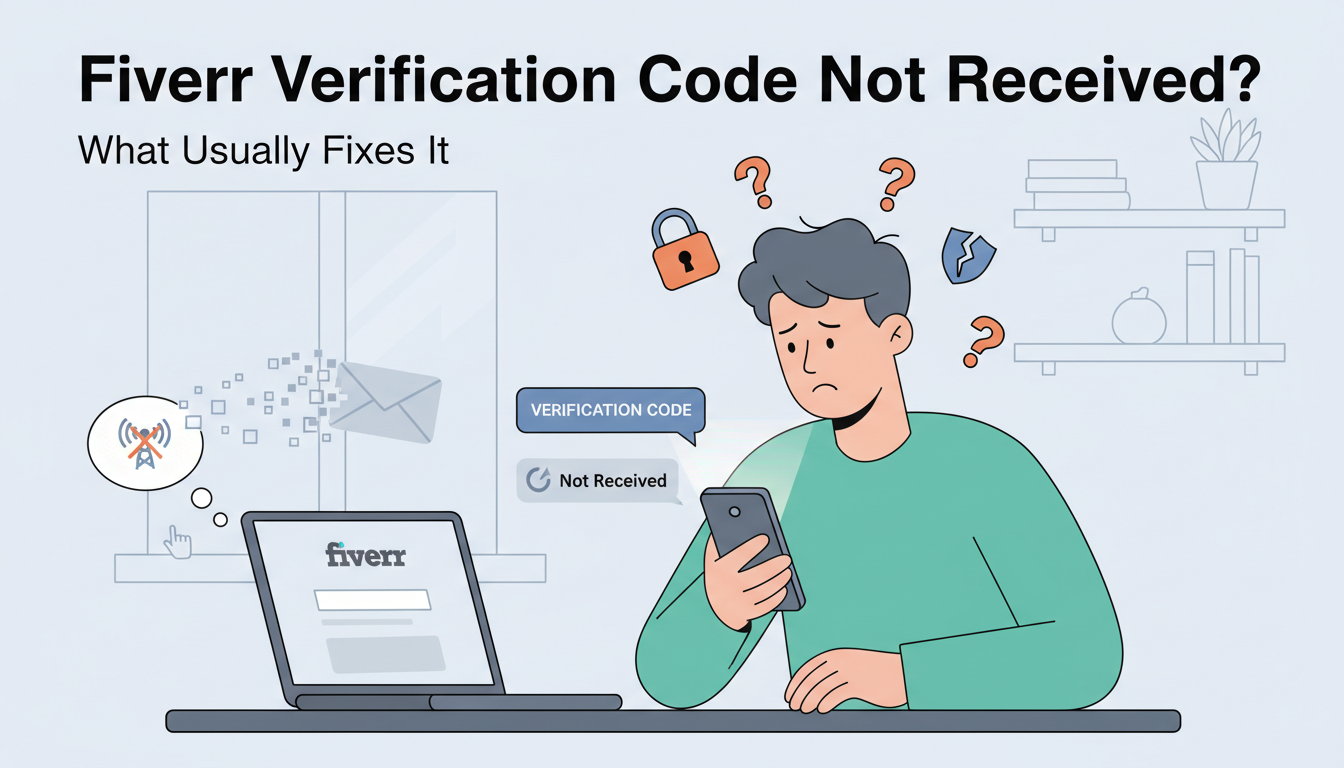
If you are trying to set up a new account or secure your existing profile on Fiverr, you might encounter a common roadblock: the verification code never arrives. This can be incredibly frustrating, especially when you have deadlines or urgent projects to manage. Fortunately, there are reliable ways to fix this issue and get your account verified in minutes.
Common Reasons for Missing Verification Codes
There are several reasons why Fiverr’s SMS might not reach your device. Sometimes it is a simple network delay, but often it is related to the type of phone number being used. Many online platforms have strict filters against VOIP (Voice over IP) numbers because they are often associated with automated bots. If you are using a virtual number from a standard app, Fiverr might simply block the incoming SMS.
Other factors include regional carrier restrictions, signal strength issues, or privacy settings on your mobile device that filter out messages from unknown international short-codes.
The Ultimate Solution: Non-VOIP Real SIM Numbers
When traditional methods fail, the most effective solution is using a Real SIM number. This is where GetAText becomes your best ally. Unlike standard virtual number apps, GetAText provides access to numbers hosted on physical SIM cards. This means that to Fiverr’s system, the number looks like a standard individual mobile phone, bypassing the common filters that block VOIP services.
How GetAText Helps You Get Verified
Using GetAText is a straightforward and cost-effective way to solve your OTP (One-Time Password) problems. Here is how it works to help you with Fiverr:
- Reliability: Because the service uses real SIM hardware, the success rate for receiving verification codes is significantly higher than any other method.
- Privacy Protection: You don’t need to share your personal primary phone number with every platform you join. Using a secondary number from GetAText keeps your personal data private and helps you avoid unwanted marketing calls.
- Instant Access: You can request a number specifically for the service you need, receive the code through the web interface, and complete your verification immediately.
- Affordability: It offers a low-cost alternative to maintaining multiple phone lines or buying extra hardware.
Step-by-Step Fix
If you are currently stuck on the Fiverr verification screen, follow these steps:
- Check your network connection to ensure it isn't a local signal issue.
- Wait at least 5 minutes before requesting a new code to avoid being flagged for "too many attempts."
- If the code still does not arrive, visit GetAText.
- Select the service you need to verify (Fiverr).
- Use the provided number on the Fiverr verification page.
- Wait for the code to appear on your GetAText dashboard and enter it on Fiverr.
By using Real SIM technology, you eliminate the technical barriers that prevent standard SMS delivery. Don't let a missing code stop your professional growth. Whether you are a freelancer or a buyer, ensuring your account is verified quickly and privately is essential for a smooth experience.